How to register and sign up on Olymp from Bangladesh
Opening an Olymp account is one of the fastest sign-ups in the market — about two minutes from the home screen to a funded balance in Taka. There are only a few things worth getting right: choosing the correct currency, timing your first deposit so you lock the full 125% welcome, and knowing exactly when Olymp will ask you to verify your identity. This guide walks through every step for a Bangladeshi player, in BDT, with no inflated promises.
18+ only. Gambling can be addictive. Play responsibly.
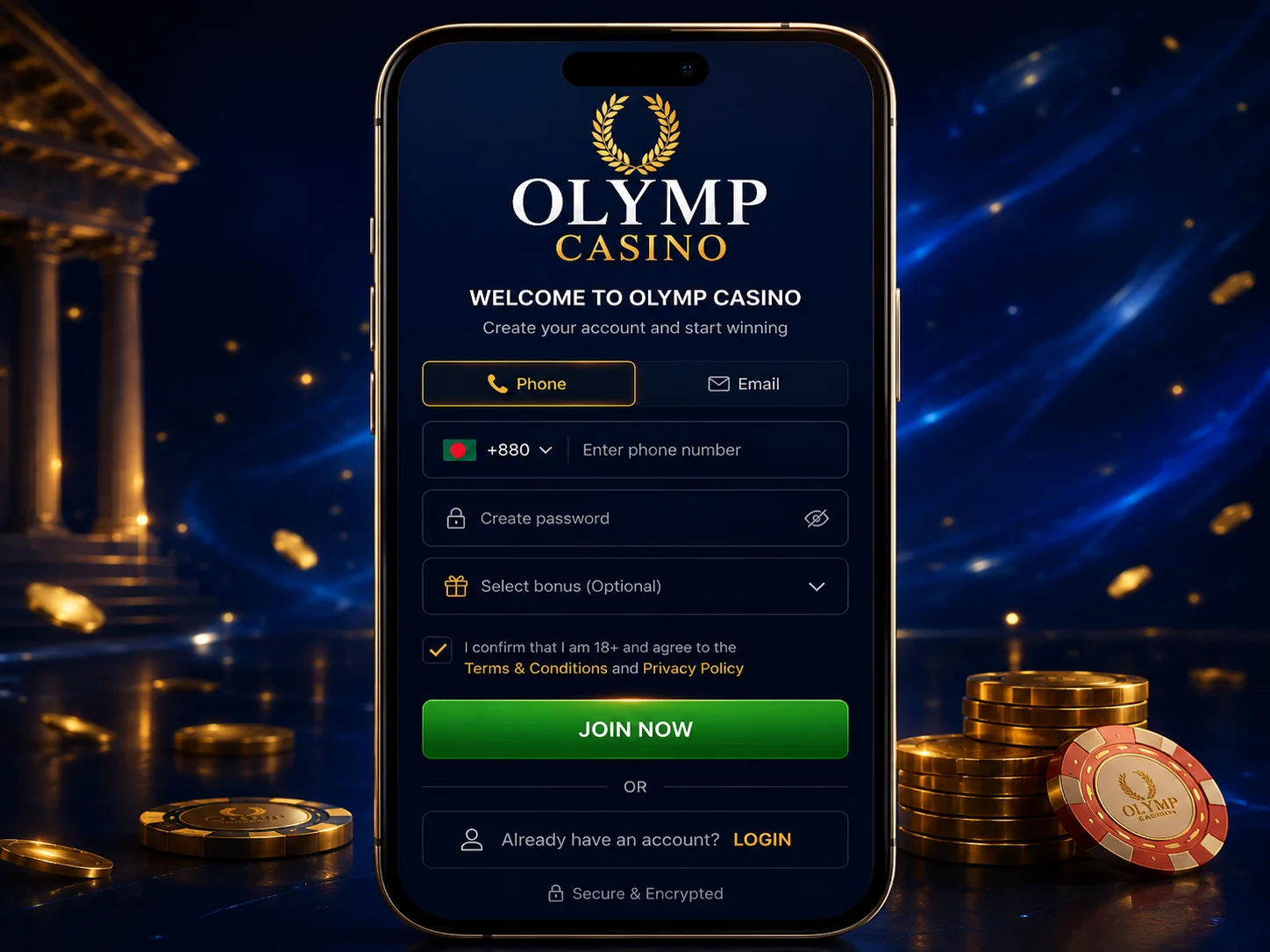
How to register on Olymp step by step
The whole flow is short. Follow these steps in order and you will have an account ready to fund within a couple of minutes:
- Open Olymp and tap Registration (or "Sign up") in the top corner.
- Choose your method: mobile number (+880), email, or one-tap Google sign-in.
- Set a strong password — mix letters, numbers and a symbol.
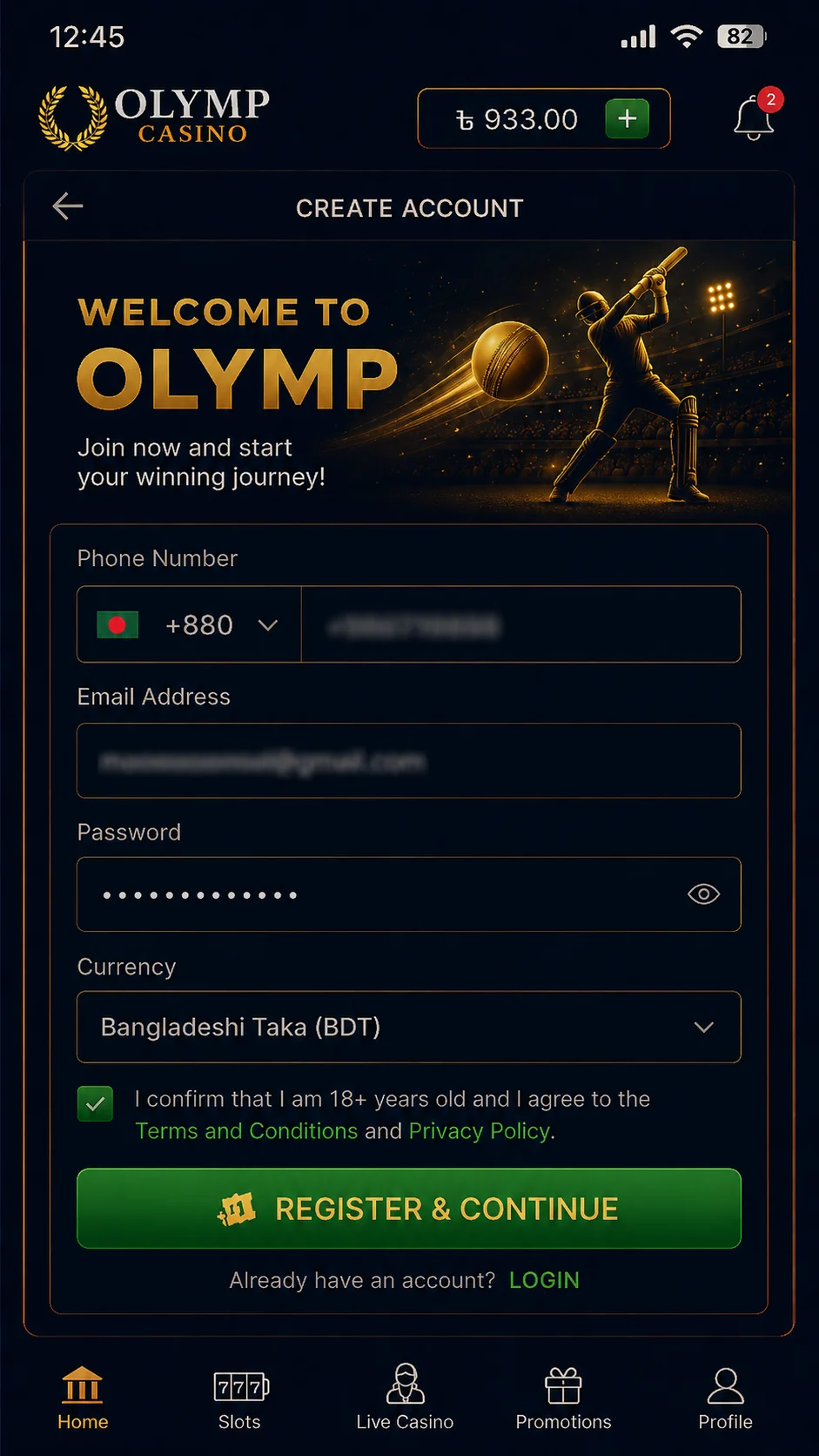
- Select Bangladeshi Taka (BDT) as your account currency. This cannot be changed later, so get it right now.
- Leave the optional promo code field blank unless you have a valid one — the welcome bonus does not need it.
- Tick the box to confirm you are 18 or older and accept the terms.
- Submit, confirm your number or email, and you are in.
That is the entire account-creation process. No address, no documents, no waiting on approval. You can browse games and the sportsbook straight away, though you will need to deposit before placing real bets.
Registration methods: mobile, email or Google
Olymp gives you three ways to open an account, and all of them land on the same place — a Taka wallet you can fund in a minute.
By mobile number
The most common choice in Bangladesh. Enter your +880 number, pick a password and verify by SMS code. Handy because the number you register with is usually the one tied to your bKash or Nagad wallet later.
By email
Enter an email address and password. You confirm via a link sent to your inbox. Good if you prefer keeping gambling notifications out of your SMS.
With Google
The one-tap option. Sign in with your Google account and Olymp creates the profile for you — no password to remember. You still choose BDT and confirm your age before the account is active.
Choosing Bangladeshi Taka (BDT) as your currency
This is the single setting most new players overlook. During sign-up you select your account currency, and you should pick BDT. Get it right and your balance, deposits and withdrawals all read in Taka, your local methods appear by default, and there are no conversion fees eating into your money.
The currency is locked once the account is created. If you accidentally choose USD or INR, you cannot switch it yourself — you would have to contact support or open a fresh account. So confirm BDT before you submit.
Lock the full 125% welcome: deposit within one hour
Here is the timing detail that actually costs people money. The welcome match is advertised as 125%, but you only get the full rate if you make your first deposit within one hour of registering. Wait longer and it quietly drops to 100% — still a bonus, but a smaller one.
So the efficient play is to register and fund in the same session. The minimum deposit is Tk 250, and the local rails — bKash, Nagad, Rocket and Upay — all clear instantly. You can compare them in our guide to deposit methods like bKash.
Worth understanding before you commit cash: a bonus is not free money. The match carries wagering you must clear before any of it can be withdrawn. We break the full maths down in our explainer on the 125% welcome bonus — read that before you decide how much to deposit.
Verifying your account: KYC at withdrawal
Good news for the registration stage: no KYC is needed to sign up or to play. You can create an account, deposit and spin or bet without sending a single document.
Verification is requested later, the first time you try to withdraw. At that point Olymp asks for:
- A government ID — your NID or passport.
- A selfie to match the document.
It is sensible to verify early rather than waiting until you have winnings to cash out, because a stuck KYC check is the most common reason withdrawals get delayed. The name on your ID must match your account and your payment method exactly — mismatches are the usual cause of rejections.
Common Olymp sign-up problems
"This number is already registered"
You likely have an old account. Don't open a second one — duplicate accounts can be frozen. Instead, log in to your Olymp account and recover the password if needed.
SMS code not arriving
Give it a minute, check your network, then use the resend option. If it still fails, switch to email or Google sign-up instead.
Wrong currency selected
If you picked the wrong currency, you cannot change it yourself. Contact support before depositing, or register again with the correct BDT setting.
Promo code rejected
The code field is optional and often the source of needless friction. If a code is rejected, simply leave it blank — the welcome bonus is chosen on the deposit screen regardless.
FAQ
How long does Olymp registration take?
About two minutes. You pick mobile, email or Google sign-in, set a password, choose Bangladeshi Taka as your currency and confirm you are 18 or older. No documents are needed to open the account.
Do I need a promo code to register on Olymp?
No. There is an optional promo code field during sign up, but the welcome bonus is selected on the deposit screen and works without any code. Leave the field blank if you do not have one.
Is KYC verification required to sign up on Olymp?
No. You can register and play with no documents at all. KYC is only requested later, when you make your first withdrawal — typically your NID or passport plus a selfie.
How do I get the full 125% welcome bonus after registering?
Deposit within one hour of creating your account. Do that and the match is 125%; deposit later and it drops to 100%. The minimum deposit is Tk 250 via bKash, Nagad, Rocket or Upay.
Can I register on Olymp from Bangladesh legally?
Olymp runs on an offshore Anjouan licence, not a Bangladeshi one, so there is no local regulator protecting you. It is accessible from Bangladesh, but you accept the operator's terms and offshore protection. Only register if you accept that.
Verdict: a fast sign-up, but mind the timing and the licence
Registration on Olymp is genuinely quick and painless — two minutes, three sign-up methods, and no documents to play. The two things that matter are practical: choose BDT so your money stays in Taka, and deposit within the hour to keep the full 125% rather than 100%. KYC only shows up at withdrawal, so verify early to avoid delays.
The honest caveat is the licensing. Olymp operates under an offshore Anjouan licence, not a Bangladeshi one, which means no local consumer protection if something goes wrong. We go deeper on what that means for safety and payouts in our hands-on Olymp review. If you sign up, treat it as offshore play: deposit only what you can afford, and keep the app handy — the Olymp app mirrors the desktop flow if you prefer to register on mobile.