Olymp Payment Methods Bangladesh: How to Deposit with bKash and More
Funding an Olymp account from Bangladesh is mostly about one question: will your bKash deposit land before you lose interest in waiting? The good news is that it usually does, and fast. This guide is built around how players here actually pay, so it puts the mobile wallets first, lists the real minimums in Taka, and walks through a deposit we made ourselves rather than copying the cashier screen.
18+ only. Gambling involves financial risk and can be addictive. Only deposit money you can afford to lose. If gambling is affecting you or someone you know, call Kaan Pete Roi on 09606-666666.
Before you put money in, it is worth knowing the operator you are paying. Olymp runs on an offshore Anjouan licence (ALSI-032401023-FI3) through Bislot N.V., and it is not licensed by any Bangladeshi authority. That does not stop deposits from working, but it does mean you should treat it like any offshore site and start small. If you want the full picture first, read our detailed Olymp review before committing.
Olymp deposit methods overview
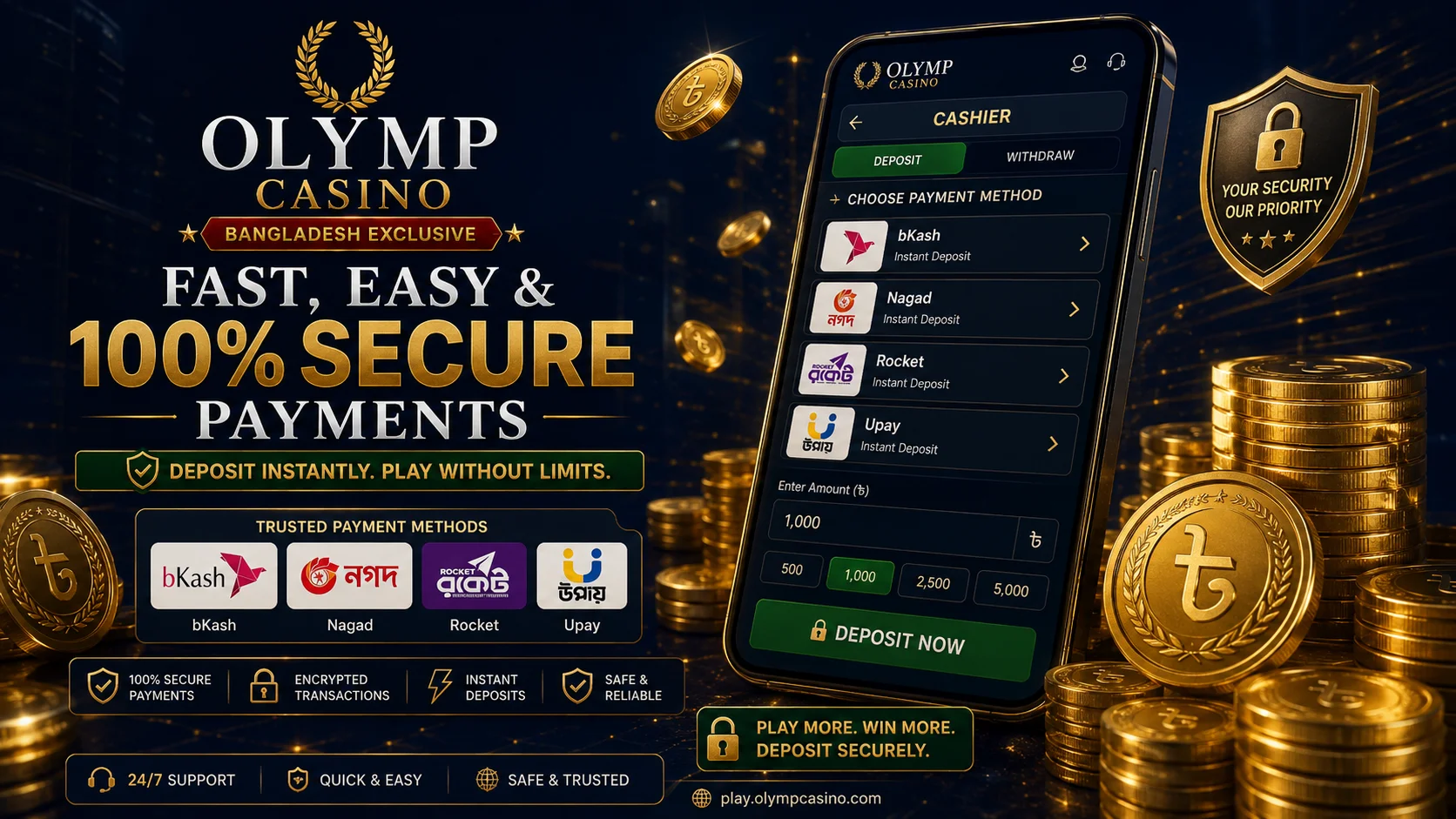
Olymp supports every payment route a Bangladeshi player is likely to use. Mobile financial services (MFS) dominate because they are instant and need no card. Bank transfer and crypto exist for larger or anonymous deposits. The table below shows the minimums, speed and fees we recorded.
| Method | Minimum deposit | Speed | Olymp fee |
|---|---|---|---|
| bKash | Tk 200 | Near-instant (~40s) | None |
| Nagad | Tk 200 | Near-instant | None |
| Rocket | Tk 200 | Near-instant | None |
| Upay | Tk 200 | Near-instant | None |
| Tap | Tk 200 | Near-instant | None |
| Bank transfer | Tk 1,000 | A few minutes to hours | None |
| Crypto (USDT) | Network-dependent | Minutes after confirmations | None |
Two figures matter most here. The floor is around Tk 200, but the bonus floor is Tk 250: deposit at least that to claim the welcome bonus (min deposit Tk 250). Anything you deposit below Tk 250 still funds your balance, it just will not trigger the offer.
How to deposit with bKash step by step
bKash is the route most players choose, so this is the flow we tested with a Tk 1,000 deposit. Once your account exists, it takes under a minute:
- Log in, then open the cashier and select the Deposit tab.
- Choose bKash from the list of methods.
- Enter the amount in Tk. Use at least Tk 250 if you want the welcome offer to apply.
- Olymp shows a payment number and a reference. Open your bKash app, send the exact amount to that number, and copy the transaction ID (TrxID).
- Paste the TrxID back into the Olymp form and confirm.
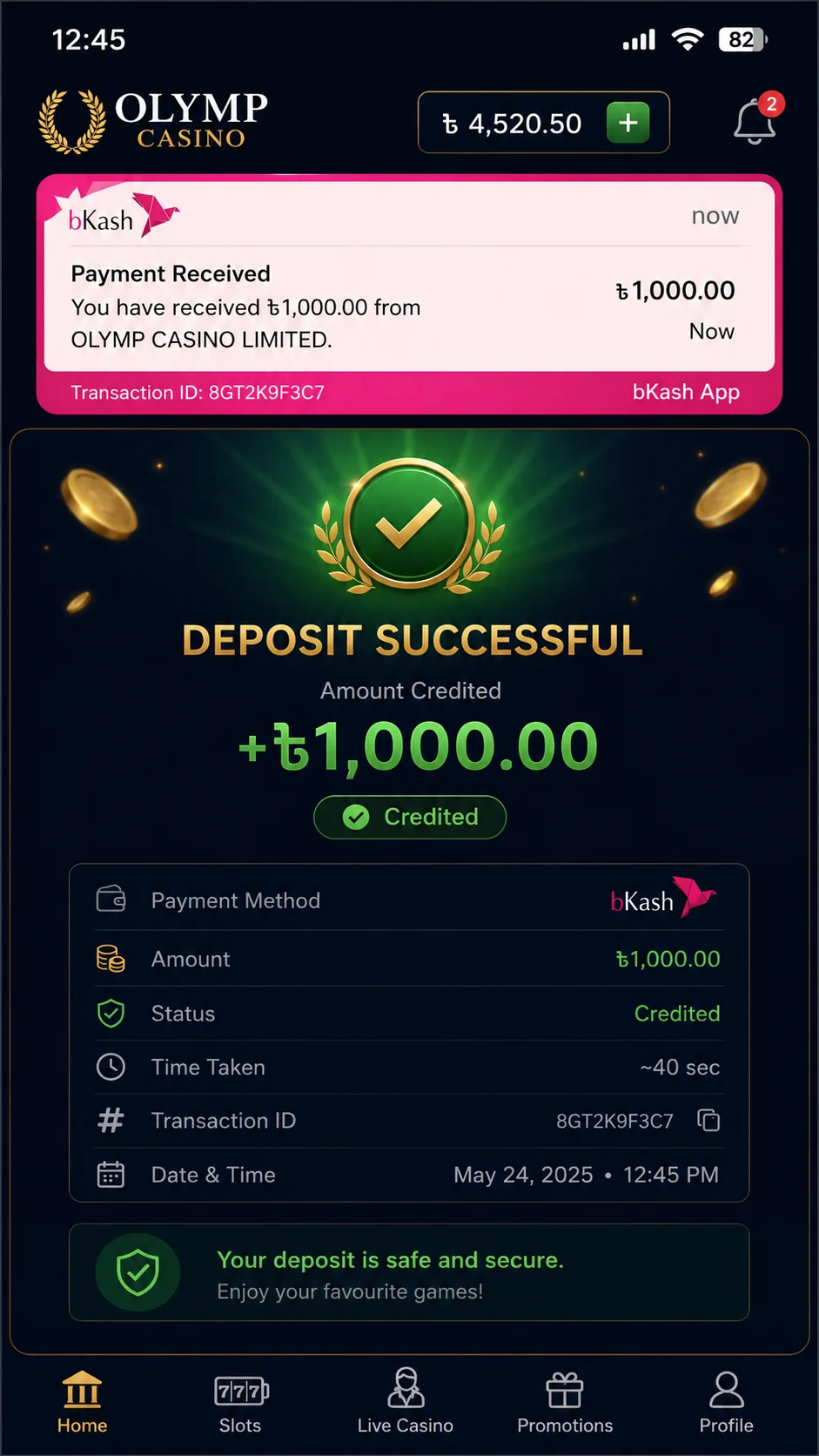
In our test the balance updated in about 40 seconds. If you would rather pay without leaving the casino interface, you can also deposit in the Olymp app, where the same bKash flow is built into the cashier on Android.
Depositing with Nagad, Rocket and Upay
The other MFS options behave almost identically to bKash. Nagad, Rocket, Upay and Tap all share the same Tk 200 minimum and the same near-instant crediting. The only practical difference is which app you happen to keep money in. The steps are the same: pick the method, enter the amount, send the payment from your wallet app, and paste the transaction reference back into Olymp.
One habit that saves trouble: send the precise amount Olymp asks for. Rounding the figure or sending from a different number than the one on your account can delay the credit while support matches the payment manually.
Crypto deposits on Olymp
If you prefer crypto, Olymp accepts USDT across three networks: TRC-20, ERC-20 and BEP-20. The cashier generates a deposit address for the network you select, and you send from your own wallet or exchange. Funds credit after the network confirms the transaction, which is usually minutes on TRC-20 and BEP-20.
TRC-20 is the practical choice for most players because its network fees are the lowest of the three. Whichever you pick, double-check that the network on Olymp matches the network you send from, since a mismatch can lose the funds for good.
Deposit limits and fees
Olymp does not add a fee on deposits from its own side, so the amount you send is the amount that lands in your balance. The cost, if any, comes from your wallet: bKash, Nagad and the others apply their standard cash-in or send-money charge, and that is unrelated to Olymp.
The minimum across the wallets is around Tk 200, rising to Tk 250 to unlock the bonus, while bank transfer starts at roughly Tk 1,000. There is no hard maximum for most methods, but large single deposits may attract a verification request before the funds are released for play.
Withdrawals: the short version
Getting money out uses the same wallets and crypto networks you deposited with, and the payout method usually has to match how you funded the account. The one number to remember is the 8% fee Olymp applies on your second and third withdrawals; the first is free. Because cashing out has more moving parts than depositing, including KYC and timing, we cover it fully in the Olymp withdrawal guide.
FAQ
What is the minimum deposit on Olymp in Bangladesh?
The minimum deposit is around Tk 200 across the mobile wallets. To qualify for the welcome bonus you need to deposit at least Tk 250, so most players start there.
How long does an Olymp deposit take with bKash?
Deposits credit almost instantly. In our own test a Tk 1,000 bKash deposit appeared in the balance in about 40 seconds after we confirmed the payment.
Does Olymp charge a deposit fee?
Olymp does not charge a fee on deposits from its side. Your mobile wallet may still apply its standard cash-in or send-money charge, which is separate from Olymp.
Which payment methods does Olymp accept in Bangladesh?
Olymp accepts bKash, Nagad, Rocket, Upay and Tap, plus bank transfer and crypto in USDT on the TRC-20, ERC-20 and BEP-20 networks.
Verdict
For deposits, Olymp does what a Bangladeshi player needs: the wallets are all there, the Tk 200 floor is low, and the money lands fast enough that you can be playing within a minute of opening the cashier. The honest caveats are the offshore Anjouan licence and the withdrawal fee on repeat cash-outs, neither of which affects depositing but both of which should shape how much you put in. Start with a small bKash deposit to test the flow yourself before scaling up. If you have not signed up yet, you can create an Olymp account in a couple of minutes.