Olymp login: how to log in from Bangladesh
Logging in to Olymp is simple once your account exists — your mobile number or email plus a password is all it takes. The part that trips up Bangladeshi players is not the sign-in form itself but the access problem behind it: betting domains are routinely blocked here, so the page sometimes refuses to load. This guide covers both halves of the job — the straightforward login steps, and exactly what to do when the site won't open, so you are never locked out of your own balance.
18+ only. Gambling can be addictive. Play responsibly.
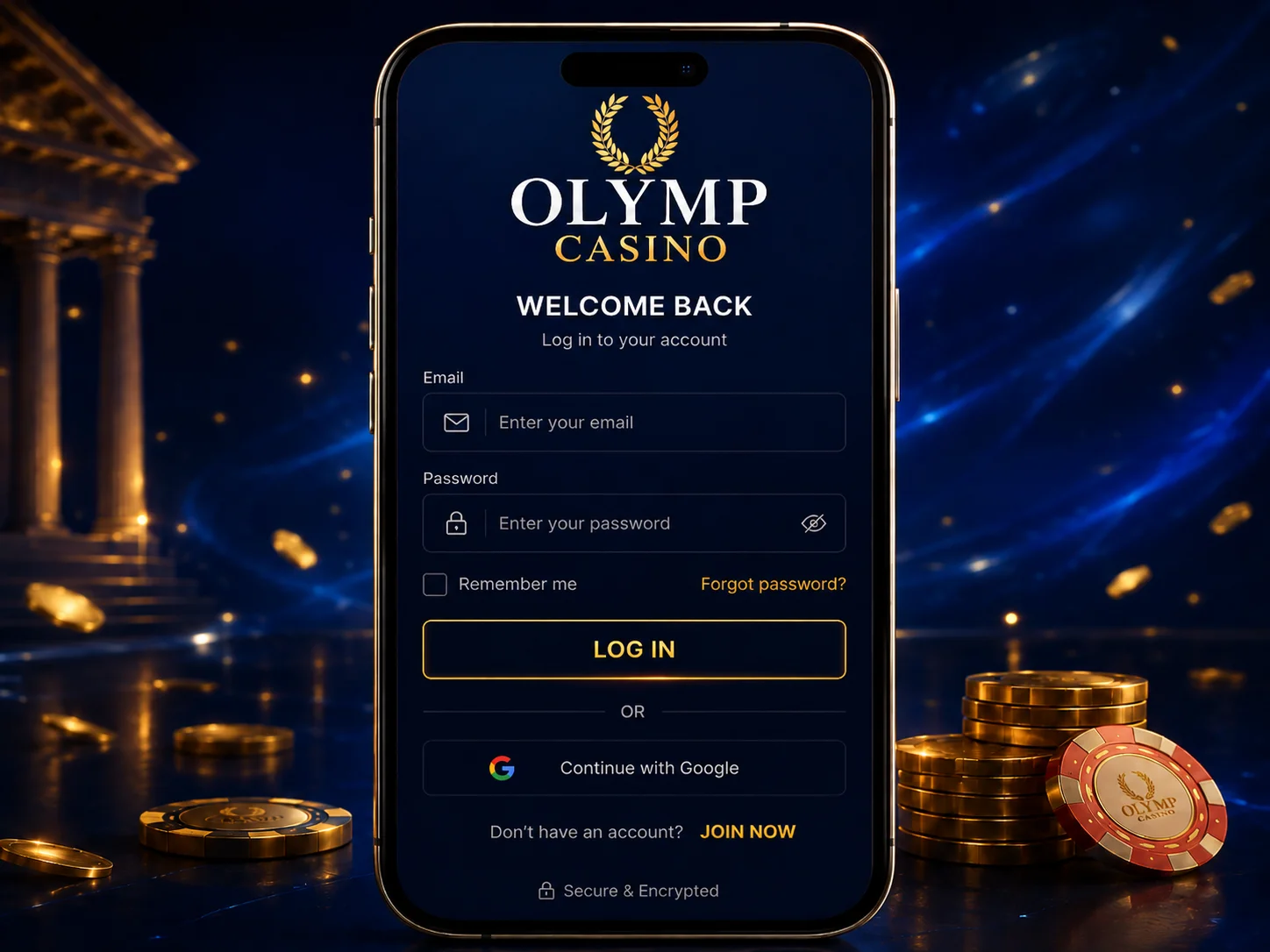
How to log in to Olymp step by step
If your account is already created, signing in takes a few seconds. Follow these steps in order:
- Open Olymp and tap Login (or "Sign in") in the top corner.
- Enter the mobile number (+880) or email you registered with.
- Type your password. Tap the eye icon to confirm you typed it correctly.
- Press Log in. If you linked Google at sign-up, you can skip the password and use the one-tap option instead.
- You land on your balance in Taka, ready to deposit, play or check open bets.
There is no extra verification gate at this stage — you are straight into your account. If you have not opened an account yet, you will first need to create a new Olymp account before any of this applies.
Login methods: mobile, email or Google
Olymp accepts the same three credentials you chose when you registered. Use whichever you set up — they all open the same Taka wallet.
By mobile number
Enter your +880 number and password. This is the most common login in Bangladesh because the number usually matches the bKash or Nagad wallet you fund the account with.
By email
Enter your registered email address and password. Use this if you signed up with email and prefer to keep account notices out of your SMS inbox.
With Google
If you linked a Google account during sign-up, tap the Google button for one-tap entry — no password to remember. Note this only works if you registered with Google in the first place; it will not connect to an existing mobile or email account on its own.
Forgot password and recovering your account
A forgotten password is the most common reason people get locked out, and it is quick to fix:
- On the login screen, tap Forgot password.
- Enter the email tied to your account.
- Olymp sends a reset link — check your spam folder if it does not appear within a few minutes.
- Open the link, set a new password, and log in with it.
If you cannot remember which email or number you used, or you suspect you opened more than one account, contact support rather than registering again — duplicate accounts can be frozen. Never share your password or reset link with anyone claiming to be "support staff"; Olymp will not ask for it.
Can't access the site? Mirrors, the app and VPNs
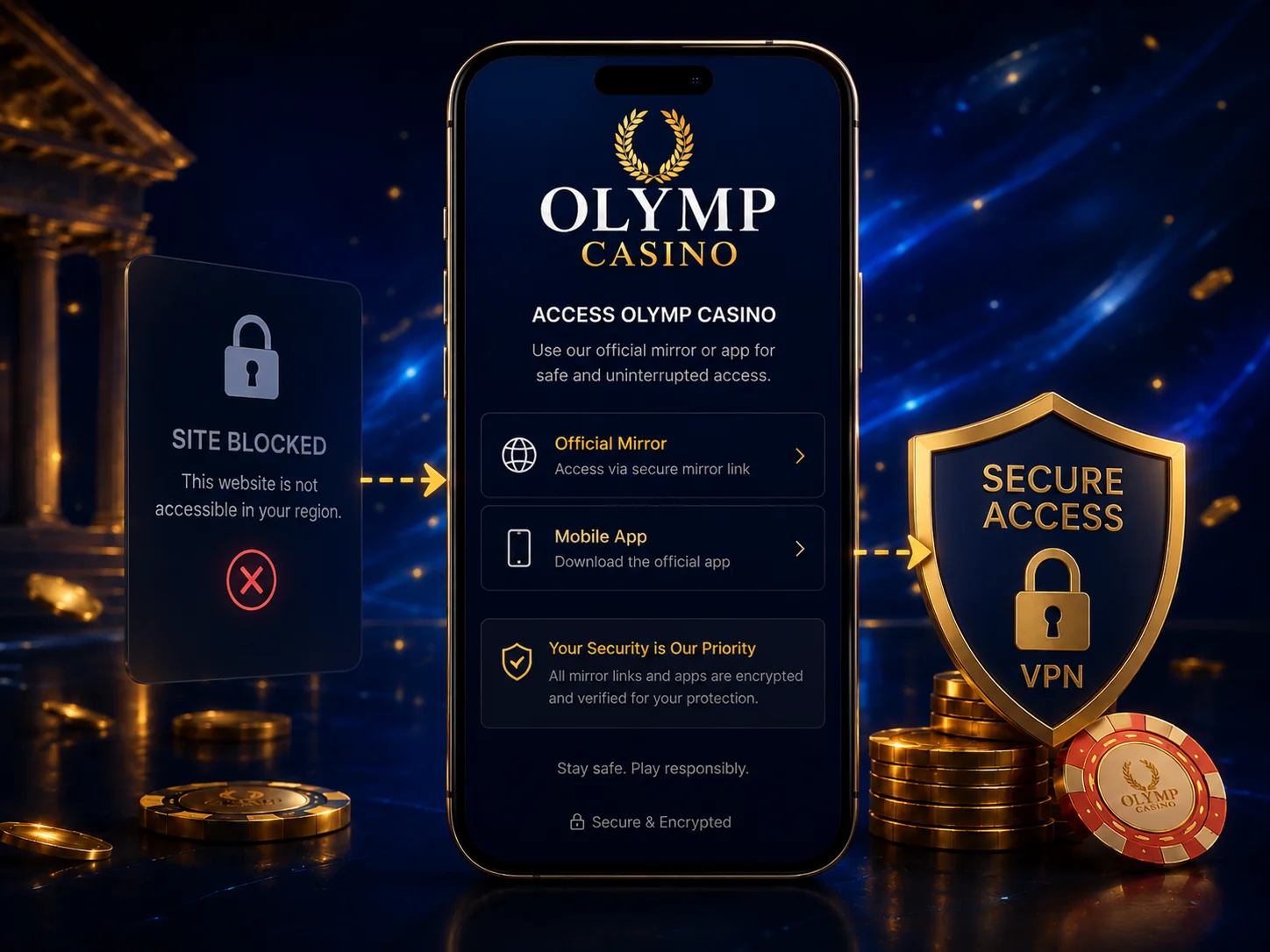
This is the real Bangladesh login problem. ISPs here block many betting domains, so the main Olymp address sometimes simply will not load — not because your account is wrong, but because the connection is being cut. There are three ways around it, in order of how reliable they are day to day.
Use an official mirror or alternative domain
When the main site is blocked, Olymp publishes mirror links — the identical site on a different web address that the block hasn't caught yet. Your login, balance and bets are all there; only the domain in the address bar changes. Mirrors do get blocked over time and rotate, so always take them from an official Olymp channel, never a random link.
Open the app (most reliable)
The app is the steadiest daily access in Bangladesh because it routes around most domain blocks without you doing anything. If the website keeps failing, install the Olymp app for reliable access and log in there with the same credentials — it is the option we recommend for regular play.
A VPN, rarely
A VPN can reopen the site by routing your traffic through another country, but it is the last resort, not the first. It slows the connection, can clash with the operator's terms, and is rarely needed once you have the app. Treat it as an occasional fix, not your everyday method.
Staying logged in safely
A few habits keep your account both convenient and secure. Only tick "remember me" on a device that is yours alone — never on a shared or public phone. Use a password you do not reuse anywhere else, since a leak on another site is a common way gambling accounts get taken over. If you log in from a new device and see a confirmation prompt, that is expected; approve it only if it was you. And always log out fully on a borrowed device rather than just closing the tab.
If you ever notice a login you did not make or a balance change you cannot explain, change your password immediately from the reset flow and contact support. Acting fast is what limits the damage.
Why logging in daily pays off
There is a small upside to signing in regularly. Olymp runs daily and login-time promos — rotating offers that reward players for showing up, from free spins to deposit boosts. Logging in each day keeps you eligible for whatever is live that day, which you would simply miss if you only opened the account occasionally.
Treat these as a bonus to your routine, not a reason to gamble more than you planned. Every promo carries wagering terms, so read them before opting in. You can see how the headline offer works in our breakdown of the welcome bonus before you chase the smaller daily ones.
FAQ
How do I log in to Olymp from Bangladesh?
Tap Login, then enter the mobile number (+880) or email you registered with plus your password. If you linked Google when you signed up, you can use the one-tap Google option instead. There is no separate KYC step at login.
I forgot my Olymp password — how do I reset it?
Tap "Forgot password" on the login screen and enter your registered email. Olymp sends a reset link; check your spam folder if it does not arrive within a few minutes. Open the link, set a new password and log in again.
The Olymp site won't open in Bangladesh. What do I do?
Bangladesh blocks many betting domains at the ISP level, so the main address sometimes will not load. Use an official mirror or alternative domain, or open the Olymp app, which routes around most blocks. The app is the most reliable way to log in every day.
Do I need to verify my identity to log in to Olymp?
No. KYC is only requested at your first withdrawal, never at login. To sign in you just need your mobile or email and password — no documents are involved at this stage.
Is there a bonus for logging in to Olymp regularly?
Yes. Olymp runs daily and login-time promos that reward players who sign in regularly. Logging in each day keeps you eligible for these rotating offers, but always check the wagering terms before opting in.
Verdict: easy login, plan for the blocks
The login itself is the easy part — mobile or email and a password, with Google as a shortcut if you set it up. The skill in Bangladesh is keeping access open, and the answer is almost always the app: it sidesteps the domain blocks that stop the website loading, while mirrors and a rare VPN cover the gaps. Keep your password unique, remember KYC only appears at withdrawal, and you will rarely find yourself locked out.
If you are still deciding whether Olymp is worth the offshore caveat — it runs on an Anjouan licence, not a Bangladeshi one — read the full Olymp BD review first. And once you are winning, our guide on how to withdraw your winnings covers the KYC and payout steps that come after the login.